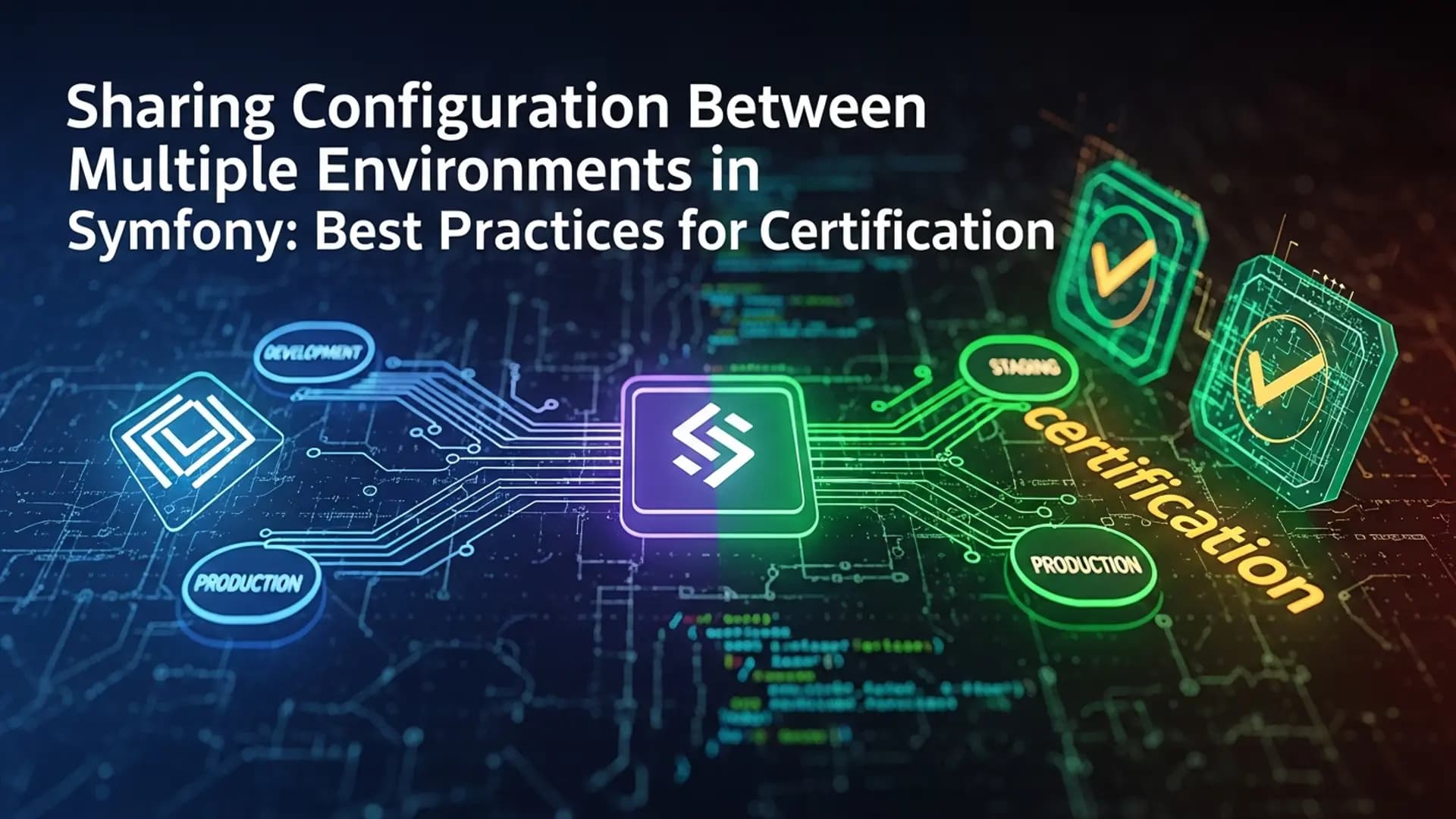
As a Symfony developer preparing for certification, understanding how to share configuration between multiple environments is crucial for building robust applications. This blog post will delve into best practices, practical examples, and common pitfalls to help you master this essential skill.
Importance of Sharing Configuration in Symfony
In Symfony applications, sharing configuration between multiple environments ensures consistency and efficiency. Whether it's defining complex conditions in services, logic within Twig templates, or building Doctrine DQL queries, having a streamlined approach to configuration management is key to maintaining scalability and reliability.
Leveraging Parameters and Environment Variables
Symfony provides a robust system for managing configuration through parameters and environment variables. By defining parameters in configuration files and leveraging environment variables, developers can easily adapt settings based on the deployment environment without modifying code.
parameters:
    app.env: '%env(APP_ENV)%'

# .env
APP_ENV=dev
In this example, the app.env parameter is set based on the APP_ENV environment variable, allowing for dynamic configuration changes across different environments.
Using Configuration Files for Different Environments
To streamline configuration sharing, Symfony allows developers to create separate configuration files for different environments. By utilizing the config/packages directory and environment-specific configuration files, you can tailor settings for development, testing, staging, and production environments.
# config/packages/dev/doctrine.yaml
doctrine:
    dbal:
        url: '%env(DATABASE_URL)%'

# config/packages/prod/doctrine.yaml
doctrine:
    dbal:
        url: '%env(DATABASE_URL_PROD)%'
In this scenario, distinct Doctrine configuration files are used for the development and production environments, allowing for seamless management of database connections based on the environment.
Handling Environment-Specific Logic in Twig Templates
When dealing with environment-specific logic in Twig templates, Symfony provides the app.environment global variable to determine the current environment. This enables developers to conditionally render content or apply styles based on the environment, enhancing the flexibility of template design.
{% if app.environment == 'dev' %}
    <link rel="stylesheet" href="dev_styles.css">
{% else %}
    <link rel="stylesheet" href="prod_styles.css">
{% endif %}
In this Twig template snippet, different stylesheets are included based on whether the application is in the development or production environment, showcasing the versatility of environment-specific logic.
Common Pitfalls and Best Practices
Despite the benefits of sharing configuration between multiple environments, developers may encounter pitfalls such as misconfiguration, inconsistent parameter usage, or environment variable conflicts. To mitigate these challenges, consider the following best practices:
Best Practice 1: Centralize configuration settings to avoid duplication and ensure consistency across environments.
Best Practice 2: Use parameter placeholders and environment variables judiciously to facilitate easy configuration changes without code modifications.
Best Practice 3: Test configuration changes thoroughly in each environment to validate functionality and prevent unexpected behavior.
Conclusion: Mastering Configuration Sharing for Symfony Certification
By mastering the art of sharing configuration between multiple environments in Symfony, you demonstrate a deep understanding of configuration management best practices and enhance your ability to build scalable and maintainable applications. Prepare for the Symfony certification exam by honing your skills in managing configuration effectively across diverse deployment environments.