Understanding the distinctions between 401 Unauthorized and 403 Forbidden is critical for Symfony developers, especially when building secure applications. This knowledge is essential for your Symfony certification exam and day-to-day development.
What are HTTP Status Codes?
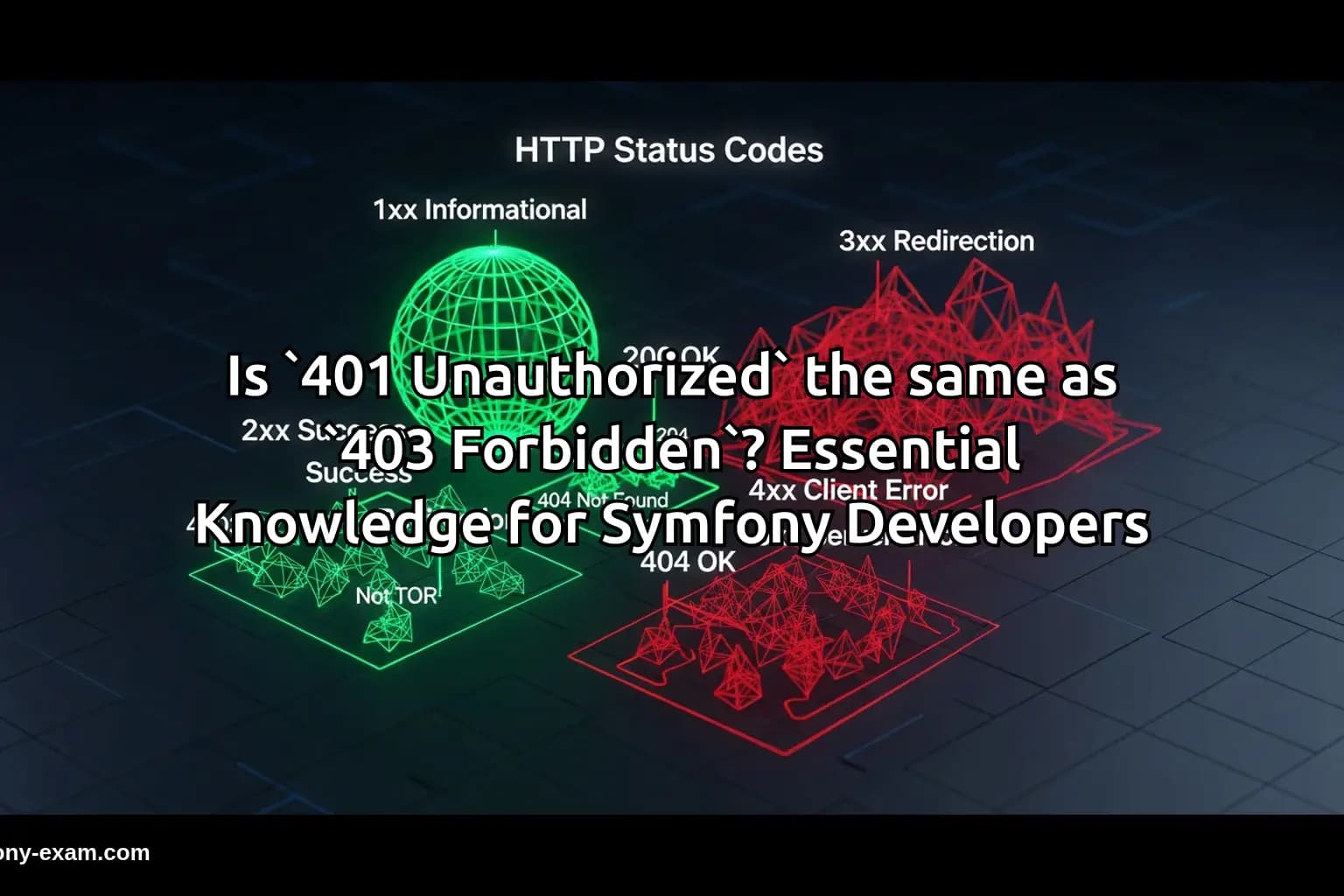
HTTP status codes are standard responses from servers that indicate the outcome of a client's request. They are categorized into five classes: informational, success, redirection, client error, and server error.
For Symfony developers, understanding these codes is vital, as they directly interact with user authentication, authorization, and API responses.
Understanding 401 Unauthorized
The 401 Unauthorized status code indicates that the request has not been applied because it lacks valid authentication credentials for the target resource.
In Symfony applications, this often occurs during API requests when users fail to provide valid tokens or credentials. For instance:
<?php
// Symfony controller handling an API request
if (!$this->isUserAuthenticated()) {
    return new JsonResponse(['error' => 'Unauthorized'], Response::HTTP_UNAUTHORIZED);
}
?>
In this example, if the user is not authenticated, a 401 Unauthorized response is returned, signaling that they need to authenticate to access the resource.
Understanding 403 Forbidden
On the other hand, the 403 Forbidden status code indicates that the server understood the request but refuses to authorize it. This response is commonly returned when the user is authenticated but does not have permission to access the requested resource.
In Symfony, you might encounter a 403 Forbidden when dealing with user roles and permissions. For example:
<?php
// Symfony controller checking user permissions
if (!$this->isUserAuthorized($user)) {
    return new JsonResponse(['error' => 'Forbidden'], Response::HTTP_FORBIDDEN);
}
?>
In this scenario, even if the user is authenticated, they are denied access due to insufficient permissions.
Key Differences Between 401 and 403
The core difference between 401 Unauthorized and 403 Forbidden lies in the authentication and authorization processes:
Authentication vs. Authorization: 401 indicates a lack of authentication, while 403 signifies that the user is authenticated but lacks the necessary permissions.
Client Action Required: A 401 response suggests the client should authenticate to receive access, whereas a 403 response indicates that even valid credentials will not grant access.
Practical Symfony Examples
Let's delve into practical scenarios where these status codes come into play in a Symfony application:
Example 1: A user tries to access a protected API endpoint without a token.
<?php
// Controller method for accessing a protected resource
public function getResource(Request $request) {
    if (!$request->headers->has('Authorization')) {
        return new JsonResponse(['error' => 'Unauthorized'], Response::HTTP_UNAUTHORIZED);
    }
    // Further processing...
}
?>
In this case, the absence of an authentication token triggers a 401 response.
Example 2: A logged-in user tries to access a resource they are not permitted to view.
<?php
// Controller method for user authorization
public function viewAdminPanel(User $user) {
    if (!$this->isUserAdmin($user)) {
        return new JsonResponse(['error' => 'Forbidden'], Response::HTTP_FORBIDDEN);
    }
    // Further processing...
}
?>
Here, the user is authenticated but does not have admin privileges, resulting in a 403 response.
Handling Errors in Symfony
Proper handling of these status codes is essential for user experience and debugging. Symfony provides several ways to manage these responses effectively:
-
You can customize error responses globally in the Symfony application by modifying the
config/packages/twig.yamlfile. -
Utilizing event listeners to catch exceptions and return appropriate status codes.
<?php
// Example of a custom error listener
namespace App\EventListener;

use Symfony\Component\HttpKernel\Event\ExceptionEvent;
use Symfony\Component\HttpFoundation\JsonResponse;
use Symfony\Component\HttpKernel\Exception\HttpExceptionInterface;

class ExceptionListener {
    public function onKernelException(ExceptionEvent $event) {
        $exception = $event->getThrowable();
        $response = new JsonResponse(['error' => $exception->getMessage()]);

        if ($exception instanceof HttpExceptionInterface) {
            $response->setStatusCode($exception->getStatusCode());
        } else {
            $response->setStatusCode(Response::HTTP_INTERNAL_SERVER_ERROR);
        }

        $event->setResponse($response);
    }
}
?>
By implementing such listeners, you can ensure that your application responds correctly to various authentication and authorization scenarios.
Common Misunderstandings
There are some common misunderstandings that developers may encounter regarding these status codes:
-
Misusing
401and403: Some developers may return a401status when the user is authenticated but simply not authorized, which is misleading. -
Overlooking Client Responses: Developers should ensure that their front-end applications handle these responses appropriately, providing clear messaging to users.
Conclusion: Why This Matters for Symfony Certification
Grasping the differences between 401 Unauthorized and 403 Forbidden is crucial for Symfony developers. Not only does it impact how you design your application's security model, but it also demonstrates your understanding of HTTP protocols—key knowledge for passing the Symfony certification exam.
By applying these principles effectively, you can build more secure and user-friendly applications, ultimately enhancing your skills as a Symfony developer.
Further Reading
To deepen your understanding of these topics, consider exploring the following resources:
-
Check out our guide on PHP Type System for insights into type handling.
-
Read about Advanced Twig Templating for enhancing your view logic.
-
Explore our Doctrine QueryBuilder Guide for more on querying databases efficiently.
-
Review Symfony Security Best Practices to secure your applications effectively.
-
For comprehensive details on HTTP status codes, refer to the MDN Web Docs.