Understanding HTTP methods is crucial for Symfony developers, especially when handling RESTful APIs. This article delves into the HTTP method used for removing items from collections, a vital topic for those preparing for the Symfony certification exam.
Understanding HTTP Methods
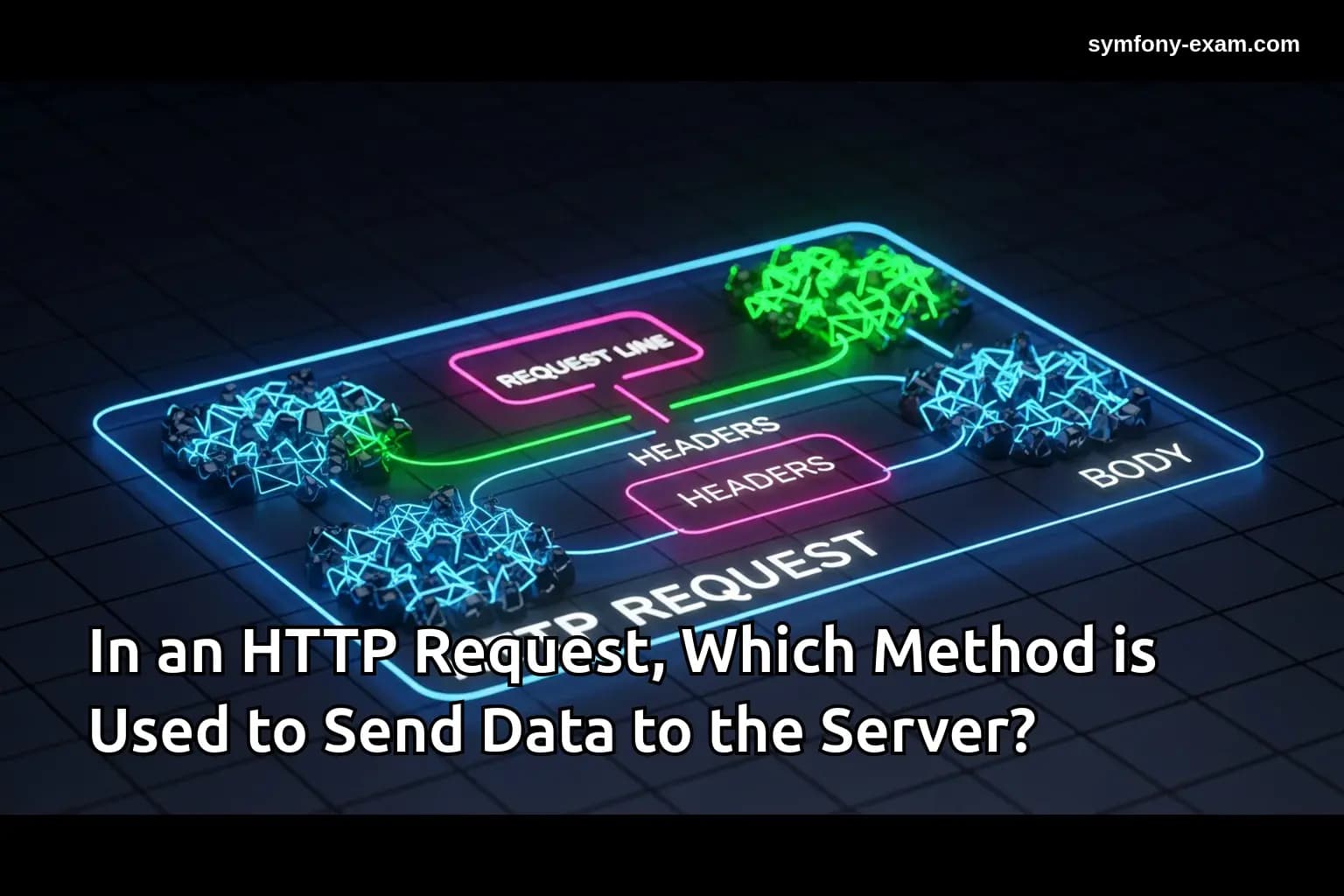
HTTP methods define the action to be performed on the resources identified by the URI. In RESTful APIs, each operation corresponds to a specific HTTP method.
Common HTTP methods include:
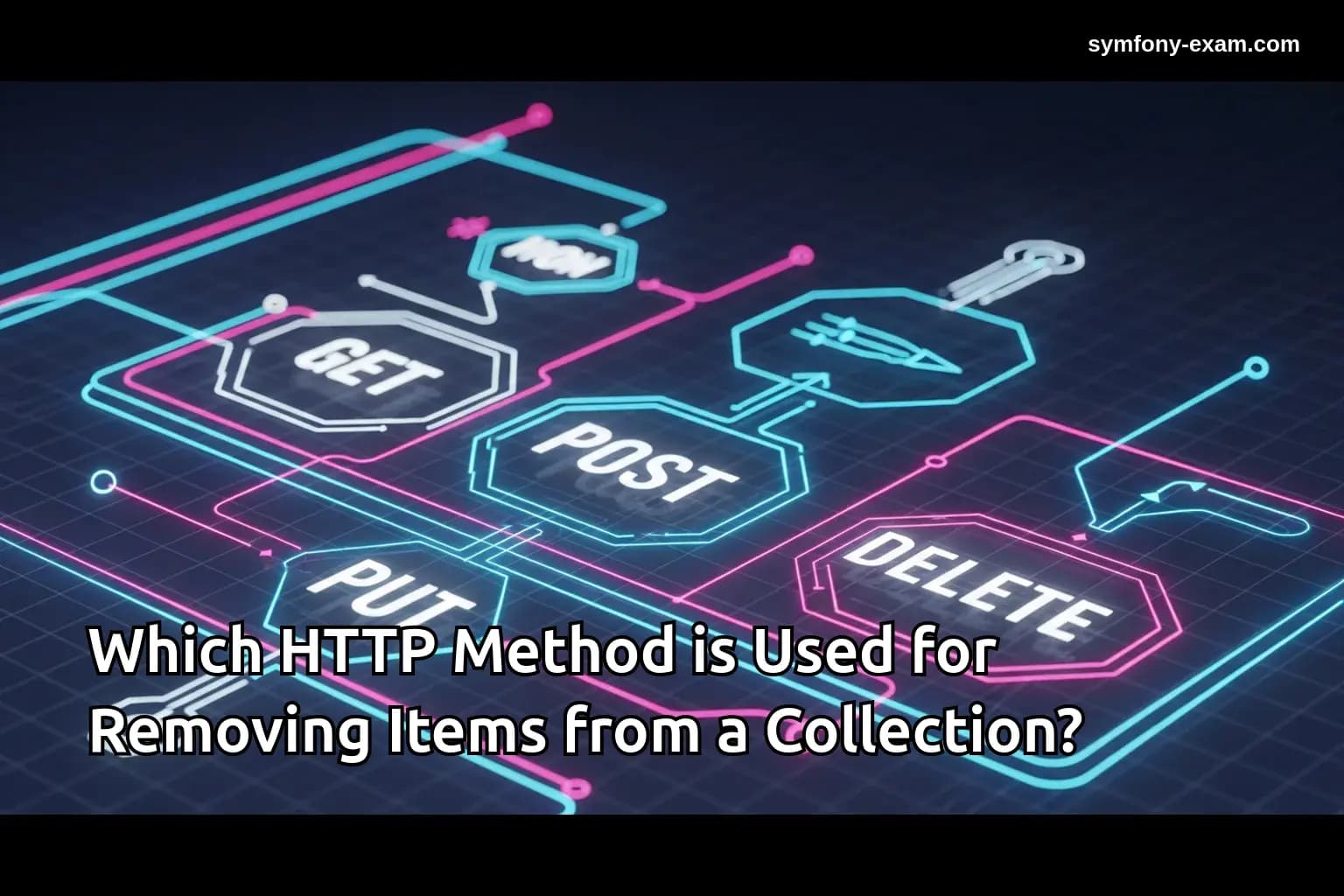
GET for retrieving resources, POST for creating resources, PUT for updating resources, and DELETE for removing resources. Understanding these methods is essential for managing data effectively in Symfony applications.
The DELETE Method: Removing Items from a Collection
The DELETE method is specifically designed for removing resources. When you want to delete an item from a collection, you typically send a DELETE request to the server.
For example, consider a Symfony application managing a collection of blog posts. To remove a post with a specific ID, you might send a request to:
DELETE /api/posts/123
This request instructs the server to delete the post with ID 123 from the collection of posts.
Implementing the DELETE Method in Symfony
In Symfony, you can implement the DELETE method in your controllers. Here's a simple example:
<?php
// src/Controller/PostController.php

namespace App\Controller;

use App\Entity\Post;
use Doctrine\ORM\EntityManagerInterface;
use Symfony\Bundle\FrameworkBundle\Controller\AbstractController;
use Symfony\Component\HttpFoundation\Response;
use Symfony\Component\Routing\Annotation\Route;

class PostController extends AbstractController
{
    /**
     * @Route("/api/posts/`{id}`", methods={"DELETE"})
     */
    public function deletePost($id, EntityManagerInterface $entityManager): Response
    {
        $post = $entityManager->getRepository(Post::class)->find($id);

        if (!$post) {
            return $this->json(['message' => 'Post not found'], Response::HTTP_NOT_FOUND);
        }

        $entityManager->remove($post);
        $entityManager->flush();

        return $this->json(['message' => 'Post deleted successfully'], Response::HTTP_OK);
    }
}
In this example, we define a route that listens for DELETE requests at the specified URI. The method fetches the post by its ID, removes it from the database, and returns a response to the client.
Deleting Items with Complex Conditions
Sometimes, you may need to remove items based on complex conditions. For instance, you might want to delete all posts by a specific author:
<?php
// src/Controller/PostController.php

/**
 * @Route("/api/posts/author/{authorId}", methods={"DELETE"})
 */
public function deletePostsByAuthor($authorId, EntityManagerInterface $entityManager): Response
{
    $posts = $entityManager->getRepository(Post::class)->findBy(['author' => $authorId]);

    foreach ($posts as $post) {
        $entityManager->remove($post);
    }
    $entityManager->flush();

    return $this->json(['message' => 'Posts deleted successfully'], Response::HTTP_OK);
}
This code snippet demonstrates how to delete multiple items that meet a specific criterion, showcasing the flexibility of the DELETE method in Symfony.
Handling Errors and Responses
When implementing the DELETE method, it's essential to handle various scenarios gracefully. For instance, what if the item to be deleted does not exist?
In such cases, returning a 404 Not Found response is standard practice:
<?php
if (!$post) {
    return $this->json(['message' => 'Post not found'], Response::HTTP_NOT_FOUND);
}
Additionally, you might want to return different status codes based on the outcome of the operation, ensuring that your API provides meaningful feedback.
Integrating with Twig Templates
In Symfony, you might also need to provide users with an interface to delete items. This often involves integrating with Twig templates.
Here’s a simple example of a delete button in a Twig template:
{% for post in posts %}
    <div>
        <h2>{{ post.title }}</h2>
        <form action="{{ path('delete_post', { id: post.id }) }}" method="post">
            <button type="submit">Delete</button>
        </form>
    </div>
{% endfor %}
This form sends a DELETE request when the button is clicked, enabling users to remove posts easily.
Best Practices for Using the DELETE Method
When working with the DELETE method in Symfony, consider the following best practices:
1. Ensure Idempotency: The DELETE method should be idempotent, meaning multiple identical requests should have the same effect as a single request.
2. Validate Input: Always validate the input to ensure the resource ID exists before attempting to delete.
3. Provide Meaningful Responses: Return appropriate HTTP status codes and messages to inform the client about the operation's result.
4. Use Middleware for Security: Implement authentication and authorization checks to ensure that only permitted users can delete resources.
Conclusion: The Importance of the DELETE Method in Symfony
Understanding which HTTP method is used for removing items from a collection is crucial for Symfony developers, especially when preparing for the certification exam. The DELETE method is a fundamental aspect of RESTful API design.
By mastering this method, developers can create robust APIs that handle data effectively while ensuring a positive user experience. For more in-depth information, consider checking resources like the PHP manual and exploring related topics such as and .