Understanding HTTP methods is foundational for Symfony developers, especially when retrieving data from a server. This knowledge is critical for those preparing for the Symfony certification exam.
The Importance of HTTP Methods in Symfony
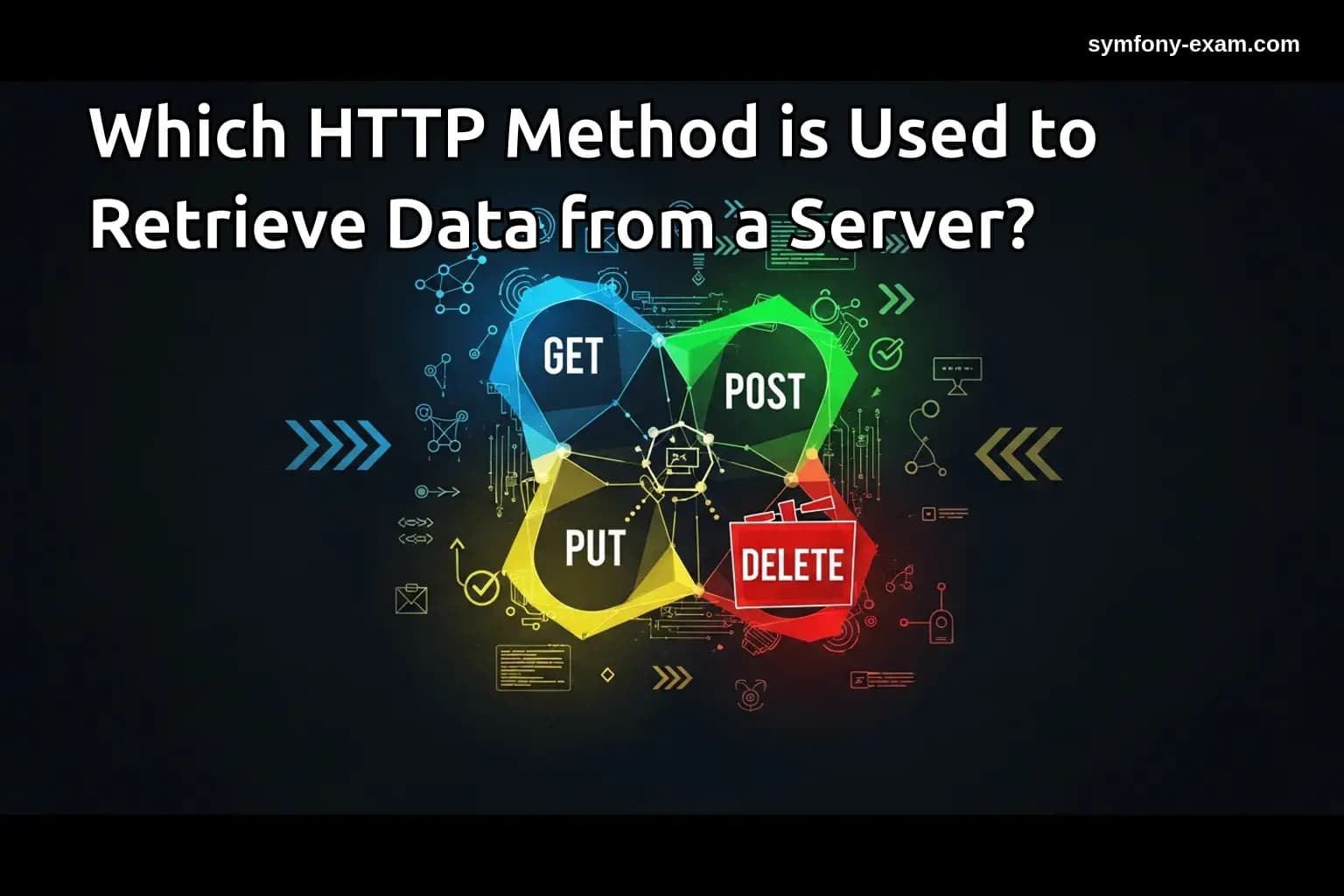
HTTP methods define how clients interact with servers. Among these methods, GET is specifically designed for data retrieval. Grasping the implications of using GET requests is essential for Symfony developers, as it underpins the architecture of RESTful APIs and web services.
In Symfony, understanding the GET method can improve your ability to fetch resources, optimize queries, and enhance user experience. This is particularly important when working with the Doctrine ORM for database interactions and when crafting Twig templates for presenting data.
What is the GET Method?
The GET method is used to request data from a specified resource. It is idempotent, meaning multiple identical requests should produce the same result without side effects. This characteristic is crucial for building reliable web applications.
GET requests are typically used for:
-
Fetching user data from a database.
-
Loading specific resources based on user input.
-
Reading data without modifying it.
Practical Examples of GET in Symfony
When building a Symfony application, you might encounter various scenarios where the GET method is applicable. For example, consider a scenario where we want to retrieve a list of products from a database:
<?php
// src/Controller/ProductController.php
namespace App\Controller;

use App\Entity\Product;
use Symfony\Bundle\FrameworkBundle\Controller\AbstractController;
use Symfony\Component\HttpFoundation\Response;
use Symfony\Component\Routing\Annotation\Route;

class ProductController extends AbstractController
{
    /**
     * @Route("/products", name="product_list")
     */
    public function index(): Response
    {
        $products = $this->getDoctrine()->getRepository(Product::class)->findAll();

        return $this->render('product/index.html.twig', [
            'products' => $products,
        ]);
    }
}
?>
In this example, a GET request to the "/products" route fetches all products from the database and passes them to a Twig template for rendering. This illustrates how the GET method is integral to data retrieval in Symfony applications.
GET Method and Query Parameters
GET requests can also include query parameters, allowing you to filter or sort data. For instance, if you want to retrieve products by category, you could modify the URL as follows:
/products?category=electronics
In your controller, you can access the query parameters using Symfony's request object:
<?php
// src/Controller/ProductController.php
use Symfony\Component\HttpFoundation\Request;

// Inside the index() method
public function index(Request $request): Response
{
    $category = $request->query->get('category');
    $products = $this->getDoctrine()->getRepository(Product::class)->findBy(['category' => $category]);

    return $this->render('product/index.html.twig', [
        'products' => $products,
    ]);
}
?>
This flexibility allows developers to create dynamic and responsive applications by tailoring data retrieval to user inputs.
Handling Complex Conditions in Services
When building robust Symfony applications, you may need to handle complex conditions for data retrieval. This can be achieved through custom repository methods:
<?php
// src/Repository/ProductRepository.php
namespace App\Repository;

use App\Entity\Product;
use Doctrine\Bundle\DoctrineBundle\Repository\ServiceEntityRepository;
use Doctrine\Persistence\ManagerRegistry;

class ProductRepository extends ServiceEntityRepository
{
    public function __construct(ManagerRegistry $registry)
    {
        parent::__construct($registry, Product::class);
    }

    public function findByCriteria(array $criteria): array
    {
        $queryBuilder = $this->createQueryBuilder('p');

        if (isset($criteria['category'])) {
            $queryBuilder->andWhere('p.category = :category')
                ->setParameter('category', $criteria['category']);
        }

        if (isset($criteria['price_min'])) {
            $queryBuilder->andWhere('p.price >= :price_min')
                ->setParameter('price_min', $criteria['price_min']);
        }

        return $queryBuilder->getQuery()->getResult();
    }
}
?>
In this example, the findByCriteria method allows the retrieval of products based on various filters. Utilizing complex conditions empowers developers to tailor data responses to specific requirements.
Leveraging Doctrine DQL for Data Retrieval
Symfony developers often use Doctrine DQL to write complex queries. To fetch data efficiently, consider the following DQL example:
<?php
// src/Repository/ProductRepository.php
public function findExpensiveProducts($minPrice)
{
    return $this->getEntityManager()
        ->createQuery('SELECT p FROM App\Entity\Product p WHERE p.price > :minPrice')
        ->setParameter('minPrice', $minPrice)
        ->getResult();
}
?>
This DQL statement retrieves products with a price greater than a specified minimum. Understanding how to harness DQL is vital for Symfony developers aiming to optimize data retrieval.
Best Practices for Using GET in Symfony
When using the GET method for data retrieval in Symfony applications, consider the following best practices:
1. Validate Input: Always validate query parameters to prevent SQL injection and ensure data integrity.
2. Use Caching: Implement caching strategies for frequently requested data to enhance performance.
3. Pagination: For large datasets, utilize pagination to improve load times and user experience.
Conclusion: Mastering GET for Symfony Certification
Understanding which HTTP method is used to retrieve data from a server is essential for Symfony developers. Mastery of the GET method not only facilitates efficient data management but also enhances the overall architecture of web applications. By grasping these concepts, you will be well-equipped to tackle the Symfony certification exam and build robust applications.
For further reading on related topics, check out our posts on PHP Type System, Advanced Twig Templating, and Doctrine QueryBuilder Guide. Additionally, explore Symfony Security Best Practices for a comprehensive understanding of securing your applications.
For authoritative information, refer to the official PHP documentation on superglobals.