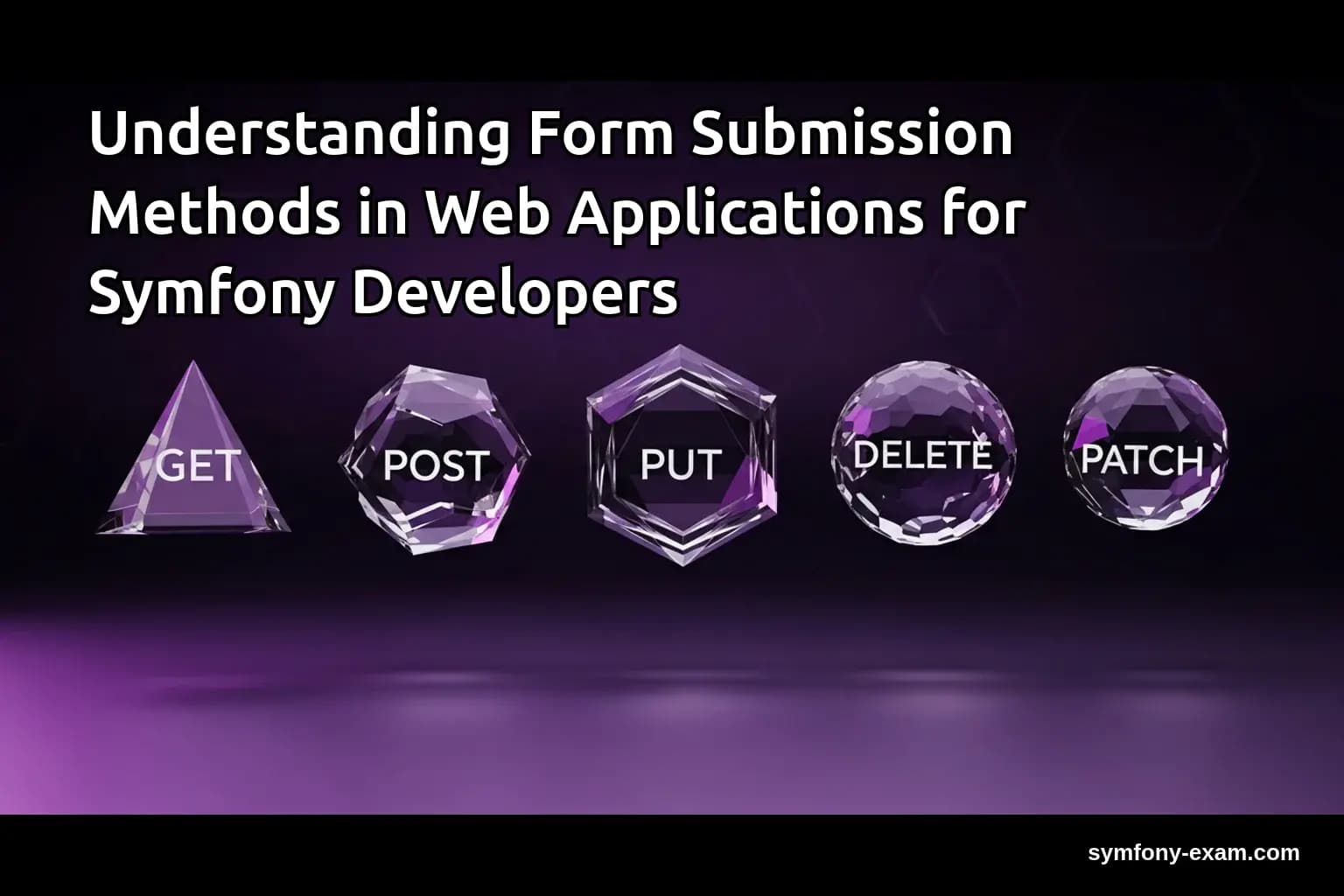
Form submission is a vital aspect of web development, particularly in Symfony. Understanding how forms work can significantly enhance your application's usability and performance.
Why Form Submission Method Matters in Symfony
In web applications, forms are essential for user interaction. The method chosen for form submission can impact data handling, user experience, and application security. For Symfony developers, mastering form submission techniques is crucial for building robust applications.
In Symfony, forms can be submitted using either the GET or POST methods. Each method serves different purposes and has distinct implications for data handling and security.
The GET Method
The GET method appends form data to the URL, making it suitable for sending non-sensitive information.
For example, if a user is searching for articles, the form data can be sent via a URL like this:
GET /search?query=symfony
However, using GET has limitations, especially with data size (limited by URL length) and security (as data is exposed in the URL). For Symfony applications, it's crucial to ensure that sensitive information is never sent using the GET method.
The POST Method
The POST method, on the other hand, sends data in the request body, allowing for larger payloads and better security for sensitive data.
In Symfony, handling POST submissions is straightforward. For instance, consider a user registration form:
<?php
// Example of a Symfony form submission
$form = $this->createForm(UserType::class, $user);
$form->handleRequest($request);

if ($form->isSubmitted() && $form->isValid()) {
    // Save user data
}
?>
This snippet illustrates how Symfony handles form submissions using the POST method, validating the data before processing it.
Comparison of GET and POST
Understanding the differences between GET and POST is vital for Symfony developers:
GET: Ideal for non-sensitive data, limited data size, visible in URL.
POST: Suitable for sensitive data, larger data size, not visible in URL.
Choosing the right method based on context can significantly affect application performance and user experience.
Handling Validation and Errors
Form submissions often require validation to ensure data integrity. Symfony provides a robust validation component that integrates seamlessly with forms.
For instance, you can define validation rules in your entity using annotations:
<?php
use Symfony\Component\Validator\Constraints as Assert;

class User {
    /**
     * @Assert\NotBlank()
     * @Assert\Email()
     */
    private $email;
}
?>
This validation ensures that the email field is not empty and contains a valid email format. If validation fails, Symfony will return error messages that can be displayed in the form template.
Building Forms with Symfony
Creating forms in Symfony is streamlined with the use of Form Types. You can create complex forms with various fields and types.
For example, a multi-step registration form can be built using Symfony's Form component:
<?php
use Symfony\Component\Form\AbstractType;
use Symfony\Component\Form\FormBuilderInterface;

class RegistrationType extends AbstractType {
    public function buildForm(FormBuilderInterface $builder, array $options) {
        $builder
            ->add('username')
            ->add('password')
            ->add('email');
    }
}
?>
This code snippet demonstrates how to build a simple registration form. Symfony's Form component will handle the rendering and submission process, making it easier for developers.
Advanced Form Handling
In more complex scenarios, you may need to handle conditional logic or dynamically add fields based on user input. Symfony allows you to manage this with form events.
For instance, you can add fields conditionally based on a previous selection:
<?php
use Symfony\Component\Form\FormEvent;
use Symfony\Component\Form\FormEvents;

$formBuilder->addEventListener(FormEvents::PRE_SUBMIT, function (FormEvent $event) {
    $data = $event->getData();
    $form = $event->getForm();

    if ($data['role'] === 'admin') {
        $form->add('adminCode');
    }
});
?>
This example shows how to dynamically add a field based on the user's selection. Leveraging Symfony's form events can enhance the user experience significantly.
Using Twig for Form Rendering
Twig templates play a crucial role in rendering Symfony forms. You can easily customize the appearance of forms by overriding the default Twig templates.
Consider the following example for rendering a form with custom styling:
{% block form_row %}
<div class="custom-form-row">
    {{ form_label(form) }}
    {{ form_widget(form) }}
    {{ form_errors(form) }}
</div>
{% endblock %}
Customizing form rendering allows developers to integrate forms seamlessly into the overall design of the application.
Security Considerations
When dealing with form submissions, security should always be a priority. Symfony provides built-in protection against CSRF (Cross-Site Request Forgery) attacks.
To enable CSRF protection, simply add the CSRF token in your form type:
<?php
use Symfony\Component\Form\Extension\Csrf\Type\CsrfType;

$builder->add('_token', CsrfType::class);
?>
This ensures that your form is secure against CSRF attacks, a critical consideration for any web application.
Conclusion: Mastering Form Submission Methods for Symfony Certification
Understanding the different methods of form submissions is vital for any Symfony developer. Mastery of these concepts not only prepares you for the Symfony certification exam but also equips you with the knowledge to build secure and efficient web applications.
By grasping the nuances of GET and POST methods, validation techniques, and advanced form handling, you will enhance your skill set significantly. Don't forget to check out related topics such as PHP Type System, Advanced Twig Templating, and Doctrine QueryBuilder Guide to further solidify your understanding.