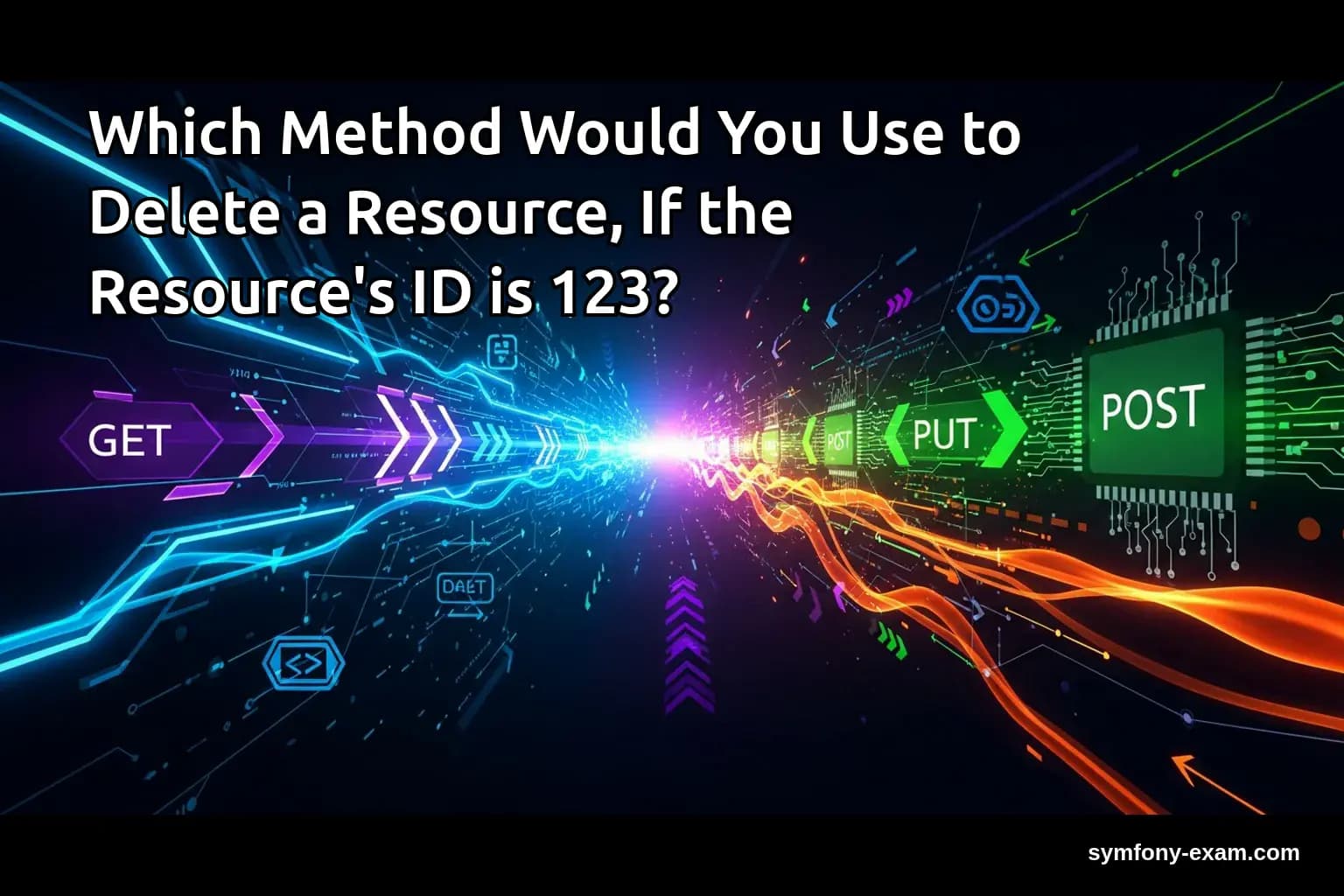
In Symfony development, understanding how to effectively delete resources is crucial, especially when preparing for the Symfony certification exam. This article explores various methods for deleting a resource when the resource's ID is 123, providing practical examples and best practices.
Understanding Resource Deletion in Symfony
Resource deletion is a fundamental operation in web applications. In Symfony, this typically involves removing an entity from the database. The method you choose can depend on various factors, such as the complexity of your application and your business logic.
In Symfony, you can delete resources using several approaches: directly using the controller, leveraging services, or making use of Doctrine's EntityManager. Each method has its own use cases and implications.
Using the Controller to Delete a Resource
The simplest way to delete a resource in Symfony is through a controller action. Here’s a basic example:
<?php
// src/Controller/ProductController.php

namespace App\Controller;

use App\Entity\Product;
use Doctrine\ORM\EntityManagerInterface;
use Symfony\Bundle\FrameworkBundle\Controller\AbstractController;
use Symfony\Component\HttpFoundation\Response;
use Symfony\Component\Routing\Annotation\Route;

class ProductController extends AbstractController
{
    /**
     * @Route("/product/delete/`{id}`", name="product_delete")
     */
    public function delete($id, EntityManagerInterface $entityManager): Response
    {
        $product = $entityManager->getRepository(Product::class)->find($id);

        if (!$product) {
            throw $this->createNotFoundException('Product not found');
        }

        $entityManager->remove($product);
        $entityManager->flush();

        return $this->redirectToRoute('product_list');
    }
}
?>
In this example, the controller fetches a product by its ID (123), checks if it exists, and then deletes it. The method uses the EntityManagerInterface to handle the removal and flushing of changes to the database.
Deleting Resources Using Services
For more complex applications, it’s a good practice to encapsulate your business logic within services. Here’s how you can create a service for deleting a product:
<?php
// src/Service/ProductService.php

namespace App\Service;

use App\Entity\Product;
use Doctrine\ORM\EntityManagerInterface;

class ProductService
{
    private $entityManager;

    public function __construct(EntityManagerInterface $entityManager)
    {
        $this->entityManager = $entityManager;
    }

    public function deleteProduct(int $id): void
    {
        $product = $this->entityManager->getRepository(Product::class)->find($id);

        if (!$product) {
            throw new \Exception('Product not found');
        }

        $this->entityManager->remove($product);
        $this->entityManager->flush();
    }
}
?>
In your controller, you can now call this service:
<?php
// src/Controller/ProductController.php

public function delete($id, ProductService $productService): Response
{
    try {
        $productService->deleteProduct($id);
    } catch (\Exception $e) {
        // Handle exception
    }

    return $this->redirectToRoute('product_list');
}
?>
Using a service allows for better separation of concerns and makes your controller less cluttered.
Handling Complex Conditions
In real-world applications, you may need to consider various conditions before deleting a resource. For example, you might want to check if a product is linked to any orders before allowing its deletion.
<?php
// src/Service/ProductService.php

public function deleteProduct(int $id): void
{
    $product = $this->entityManager->getRepository(Product::class)->find($id);

    if (!$product) {
        throw new \Exception('Product not found');
    }

    if ($this->isProductLinkedToOrders($product)) {
        throw new \Exception('Cannot delete product linked to orders');
    }

    $this->entityManager->remove($product);
    $this->entityManager->flush();
}

private function isProductLinkedToOrders(Product $product): bool
{
    // Logic to check if the product is linked to any orders
}
?>
This approach allows you to enforce business rules before performing the deletion, which is crucial for maintaining data integrity.
Deleting Resources with Doctrine DQL
Another method to delete a resource is by using Doctrine’s DQL (Doctrine Query Language). This is useful for batch deletes or when you want to delete without loading the entity:
<?php
// src/Repository/ProductRepository.php

namespace App\Repository;

use App\Entity\Product;
use Doctrine\Bundle\DoctrineBundle\Repository\ServiceEntityRepository;
use Doctrine\Persistence\ManagerRegistry;

class ProductRepository extends ServiceEntityRepository
{
    public function __construct(ManagerRegistry $registry)
    {
        parent::__construct($registry, Product::class);
    }

    public function deleteProductById(int $id): void
    {
        $qb = $this->createQueryBuilder('p');
        $qb->delete()
           ->where('p.id = :id')
           ->setParameter('id', $id);

        $qb->getQuery()->execute();
    }
}
?>
This method allows for efficient deletion without the overhead of loading the entity into memory. You can call this method from your controller or service as needed.
Best Practices for Deleting Resources
Here are some best practices to consider when implementing deletion methods in your Symfony applications:
1. Always Validate Existence: Before attempting to delete, ensure the resource exists to prevent unnecessary exceptions.
2. Handle Business Logic: Implement any necessary business logic checks before allowing deletion, such as dependencies or linked entities.
3. Use Services for Logic: Encapsulate deletion logic in services to maintain clean and manageable controllers.
4. Provide User Feedback: Always give feedback to the user after a deletion attempt, whether it was successful or if there was an error.
Conclusion: Preparing for the Symfony Certification Exam
Understanding the various methods to delete a resource in Symfony is essential for developers preparing for the Symfony certification exam. Mastery of these techniques not only demonstrates your knowledge of Symfony but also equips you with the skills to write robust, maintainable applications.
As you prepare for the exam, consider diving deeper into related topics, such as and . A comprehensive understanding of these areas will bolster your Symfony expertise and boost your confidence on exam day.
For more resources, you can refer to the official PHP documentation for in-depth explanations and examples.