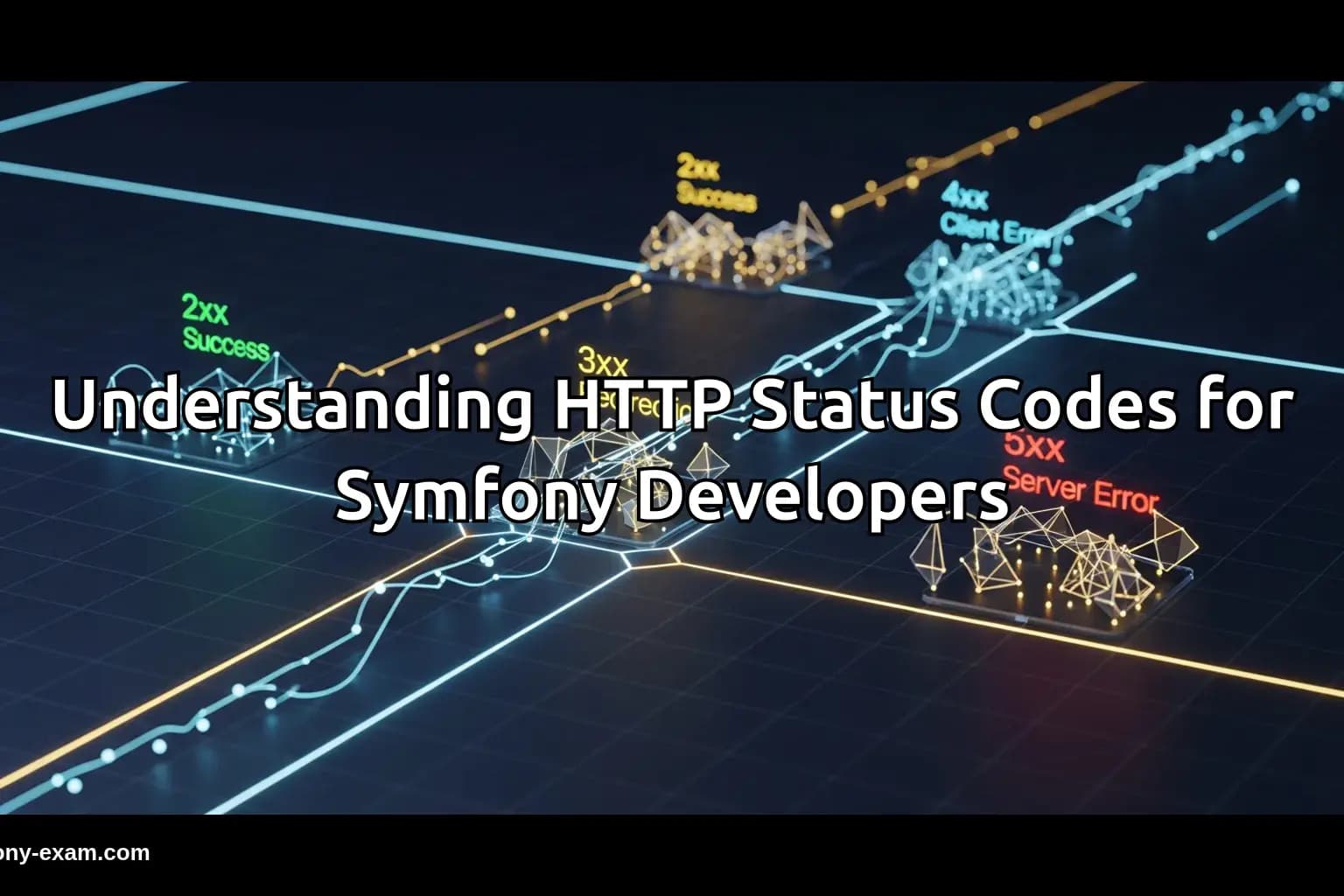
HTTP status codes are essential for web development, particularly in Symfony applications. Understanding the nuances of the 5xx status codes can significantly enhance your troubleshooting capabilities and coding practices.
What Do 5xx HTTP Status Codes Signify?
HTTP status codes in the 5xx range indicate server errors. This means that the server failed to fulfill a valid request due to an error on its side. These codes provide critical feedback that helps developers identify issues within their applications.
Common 5xx codes include:
500 Internal Server Error: A generic error when the server encounters an unexpected condition.
501 Not Implemented: The server does not support the functionality required to fulfill the request.
502 Bad Gateway: The server, while acting as a gateway or proxy, received an invalid response from the upstream server.
503 Service Unavailable: The server is currently unable to handle the request due to temporary overload or maintenance.
504 Gateway Timeout: The server, while acting as a gateway, did not receive a timely response from the upstream server.
Understanding the Impact of 5xx Errors in Symfony Applications
For Symfony developers, encountering a 5xx error can be frustrating. These errors often arise from issues in service configurations, routing problems, or unhandled exceptions in the application code. Let’s explore some common scenarios:
Example 1: Internal Server Error (500)
A common cause of a 500 Internal Server Error is an uncaught exception in a controller. Consider a scenario where you are querying the database:
<?php
// Example of a controller action that may result in a 500 error
public function getUser($id) {
    $user = $this->userRepository->find($id);
    if (!$user) {
        throw new NotFoundHttpException('User not found');
    }
    return $this->json($user);
}
?>
If the userRepository fails to fetch the user due to database connection issues, the application will not handle this gracefully, resulting in a 500 error.
Example 2: Service Unavailable (503)
A 503 Service Unavailable error can occur when your application exceeds the server's resource limits. For instance, if you are running a scheduled task that consumes too many resources:
<?php
// Example of a scheduled command that could trigger a 503 error
public function execute(InputInterface $input, OutputInterface $output) {
    for ($i = 0; $i < 10000; $i++) {
        // Simulate heavy processing
    }
}
?>
When this command is executed during peak traffic, it may lead to a 503 error if the server cannot handle the load, making it crucial to optimize performance.
Handling 5xx Errors: Best Practices
To effectively manage 5xx errors in Symfony applications, consider implementing the following best practices:
1. Use Exception Handling: Implement error handling middleware to catch and log exceptions globally.
2. Optimize Database Queries: Ensure your Doctrine DQL queries are efficient to prevent timeouts and resource exhaustion.
3. Monitor Server Health: Utilize tools to monitor your server's performance and resource usage, allowing you to proactively address potential issues.
4. Graceful Degradation: Implement fallback mechanisms to provide users with a friendly error message instead of a generic 5xx error.
Debugging 5xx Errors in Symfony
When dealing with 5xx errors, debugging is essential. Here are some strategies to identify the root cause:
1. Check Logs: Symfony logs all errors, which can be found in the var/log/dev.log or var/log/prod.log files. Analyze these logs for stack traces and error messages.
2. Enable Debug Mode: If possible, enable debug mode to get detailed error messages directly in the browser.
3. Use the Symfony Profiler: The Symfony Profiler provides insights into the request lifecycle, including time spent on each service, which can help locate bottlenecks.
Conclusion: The Importance of Understanding 5xx Errors for Symfony Certification
Mastering HTTP status codes in the 5xx range is crucial for Symfony developers, especially those preparing for certification. A solid understanding of these errors not only aids in debugging but also enhances your ability to write resilient, professional-grade applications.
By being aware of common pitfalls and employing best practices, you can significantly improve your development process and increase your chances of passing the Symfony certification exam.
For further reading, check out these related blog posts:
PHP Type System
Advanced Twig Templating
Doctrine QueryBuilder Guide
Symfony Security Best Practices
Symfony Error Handling Techniques
Optimizing Symfony Performance
Official PHP Documentation on HTTP Status Codes