Understanding HTTP methods is crucial for developers, especially those working with Symfony, as they dictate how resources are manipulated and managed within web applications.
Introduction to HTTP Methods
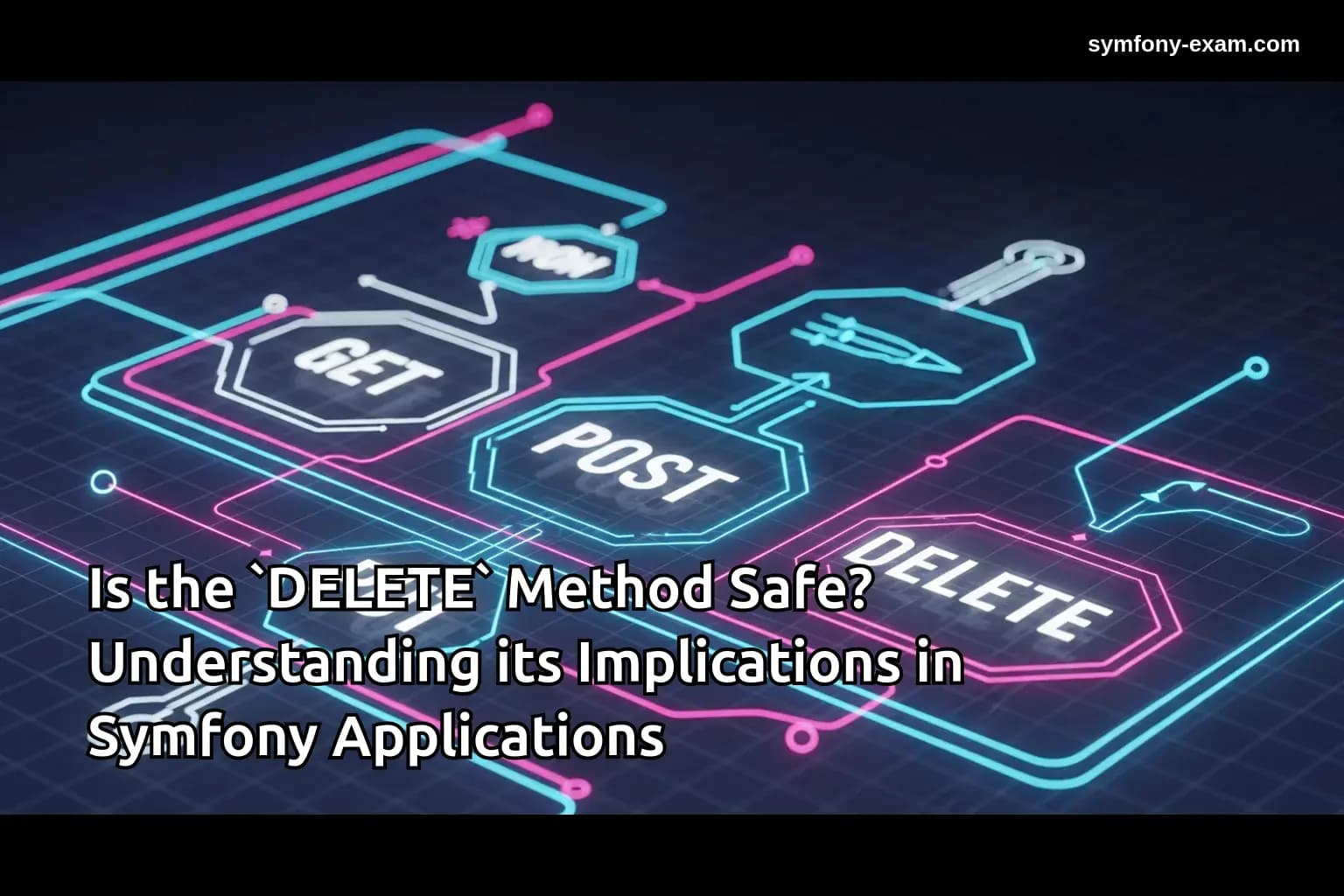
HTTP methods define the action to be performed on a specified resource. The most commonly used methods are GET, POST, PUT, PATCH, and DELETE. For Symfony developers, knowing which method to use for which operation is key to building a robust API.
Among these methods, DELETE is specifically designed for removing resources. This article delves into why the DELETE method is crucial in Symfony applications.
The DELETE Method Explained
The DELETE method requests the server to delete a specified resource. This operation is idempotent, meaning that making the same request multiple times will not affect the outcome after the first call.
In Symfony, utilizing the DELETE method correctly contributes to a clean API design and follows RESTful principles, ensuring that your application is easy to maintain and understand.
Practical Example of DELETE in Symfony
Consider a scenario where you have a user management system. You might want to delete a user account. Here’s how you can implement the DELETE operation in a Symfony controller:
<?php
// src/Controller/UserController.php

namespace App\Controller;

use App\Entity\User;
use Doctrine\ORM\EntityManagerInterface;
use Symfony\Component\HttpFoundation\Response;
use Symfony\Component\Routing\Annotation\Route;
use Symfony\Bundle\FrameworkBundle\Controller\AbstractController;

class UserController extends AbstractController
{
    /**
     * @Route("/user/`{id}`", methods={"DELETE"})
     */
    public function deleteUser(int $id, EntityManagerInterface $entityManager): Response
    {
        $user = $entityManager->getRepository(User::class)->find($id);

        if (!$user) {
            return new Response('User not found', Response::HTTP_NOT_FOUND);
        }

        $entityManager->remove($user);
        $entityManager->flush();

        return new Response('User deleted.', Response::HTTP_NO_CONTENT);
    }
}
?>
In this example, the DELETE method is mapped to a route that allows for deleting a user by their ID. If the user is not found, a 404 response is returned. Otherwise, the user is removed from the database, demonstrating a straightforward application of the DELETE method.
Handling Complex Conditions
In more complex scenarios, you might need to validate conditions before allowing a deletion. For instance, you may want to check if the user has any associated data that should also be deleted or if the user is an admin.
<?php
// Updated deleteUser method with complex conditions

public function deleteUser(int $id, EntityManagerInterface $entityManager): Response
{
    $user = $entityManager->getRepository(User::class)->find($id);

    if (!$user) {
        return new Response('User not found', Response::HTTP_NOT_FOUND);
    }

    if ($user->isAdmin()) {
        return new Response('Cannot delete an admin user.', Response::HTTP_FORBIDDEN);
    }

    // Check for associated data
    if ($user->hasAssociatedData()) {
        return new Response('User has associated data and cannot be deleted.', Response::HTTP_CONFLICT);
    }

    $entityManager->remove($user);
    $entityManager->flush();

    return new Response('User deleted.', Response::HTTP_NO_CONTENT);
}
?>
Here, additional checks are performed to prevent deletion under certain conditions, enhancing the integrity of your application.
Integration with Twig Templates
When working with DELETE requests in Symfony, you might also need to handle front-end interactions using Twig. For instance, you can create a delete button that sends a DELETE request when clicked.
{% block body %}
<h1>User List</h1>
<ul>
    {% for user in users %}
        <li>
            {{ user.name }}
            <form action="{{ path('user_delete', {'id': user.id}) }}" method="post" style="display:inline;">
                <button type="submit" onclick="return confirm('Are you sure you want to delete this user?');">Delete</button>
            </form>
        </li>
    {% endfor %}
</ul>
{% endblock %}
In this example, a form is used to trigger the DELETE action. This approach ensures that the server interprets the action correctly while providing a user-friendly interface.
Best Practices for Using DELETE
When implementing DELETE operations in a Symfony application, consider the following best practices:
1. Use Confirmation Dialogs: Always confirm the user’s intent to delete a resource to prevent accidental deletions.
2. Implement Soft Deletes: Instead of permanently removing resources, consider marking them as deleted. This approach allows for recovery if needed.
3. Handle Cascading Deletes Carefully: Be cautious when deleting resources that may have associated data to avoid unintentional data loss.
4. Utilize Proper HTTP Status Codes: Ensure the correct status codes are returned based on the outcome of the delete operation to improve API usability.
Conclusion: Mastering HTTP DELETE for Symfony Certification
Understanding which HTTP method is typically used to delete a resource is vital for Symfony developers. Mastering the DELETE method not only aids in creating robust applications but also enhances your chances of passing the Symfony certification exam. By applying best practices, handling complex conditions, and integrating effectively with Twig, you solidify your expertise in managing resources within Symfony.
For further reading, check out our related articles on PHP Type System, Advanced Twig Templating, Doctrine QueryBuilder Guide, and Symfony Security Best Practices.
Additional Resources
For more information on HTTP methods, refer to the official PHP documentation. This will provide you with a deeper understanding of how HTTP works and how it can be leveraged in your Symfony applications.