In the realm of web development, particularly within Symfony applications, understanding HTTP status codes is crucial. This article focuses on identifying the specific status code that indicates a resource was successfully deleted, essential for developers aiming for Symfony certification.
Understanding HTTP Status Codes
HTTP status codes are standardized codes returned by the server to indicate the outcome of a client's request. They are categorized into five classes, each represented by the first digit of the status code. Understanding these codes is fundamental for effective API design.
For example, the 2xx series indicates success, while the 4xx series signifies client errors, and 5xx denotes server errors. A developer must be familiar with these codes to handle responses correctly in a Symfony application.
The Status Code for Successful Deletion
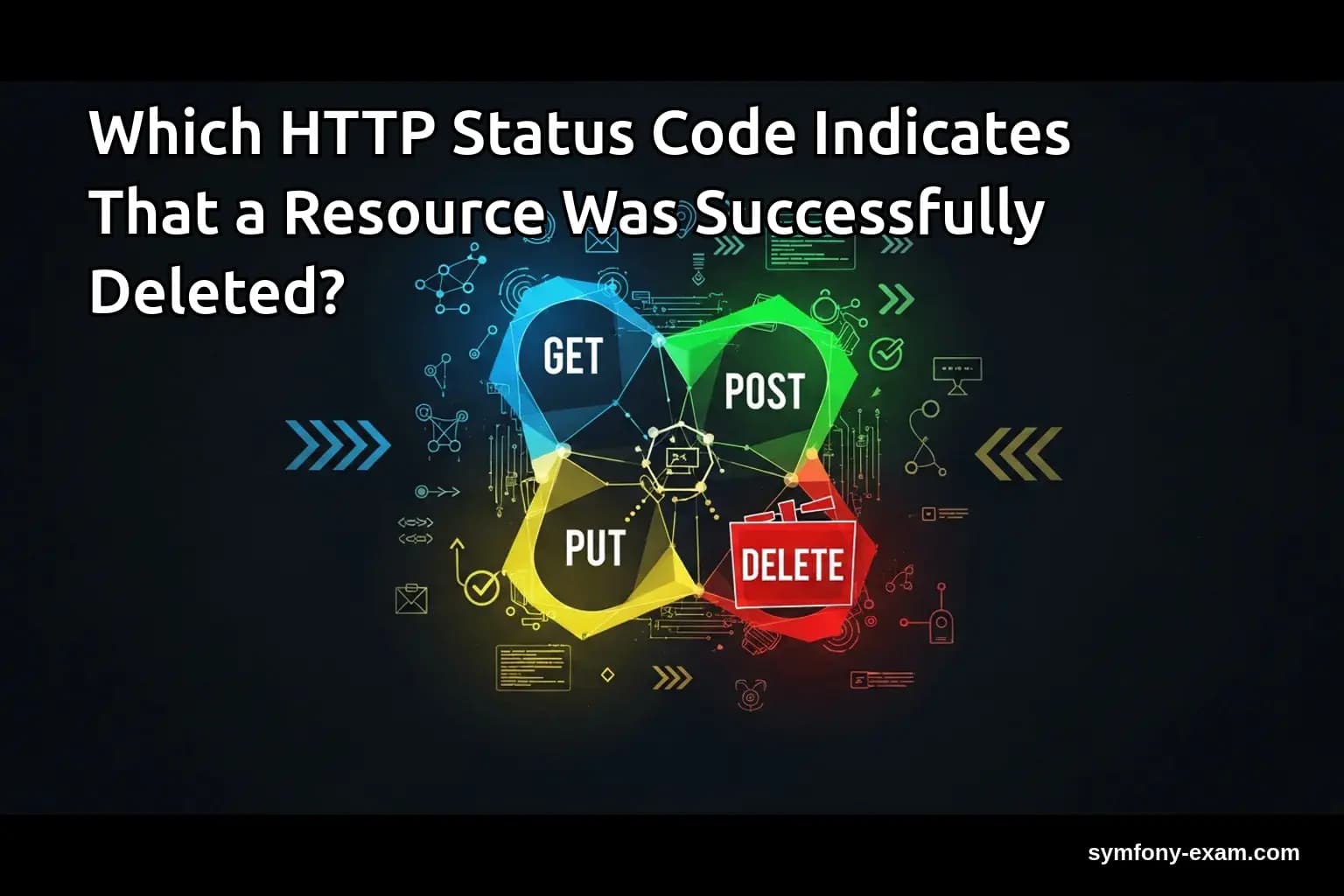
When a resource is successfully deleted, the appropriate HTTP status code to return is 204 No Content. This code indicates that the server successfully processed the request and that there is no content to return in the response body.
It's important to differentiate this from the 200 OK status code, which implies that the request was successful but may include a response body. In the case of a deletion, there is typically no need for additional information, making 204 the ideal choice.
Practical Examples in Symfony
In a Symfony application, you might encounter scenarios where you need to delete resources, such as user accounts or blog posts. Here’s a practical example of how to implement this functionality.
Example: Deleting a User in Symfony
Assuming you have a User entity and a corresponding controller, the delete action might look like this:
<?php
// UserController.php
use Symfony\Component\HttpFoundation\Response;
use Symfony\Component\HttpFoundation\Request;
use Symfony\Bundle\FrameworkBundle\Controller\AbstractController;
use App\Entity\User;

class UserController extends AbstractController
{
    public function delete(Request $request, User $user): Response
    {
        // Logic to delete the user
        $entityManager = $this->getDoctrine()->getManager();
        $entityManager->remove($user);
        $entityManager->flush();

        // Return 204 No Content
        return new Response(null, Response::HTTP_NO_CONTENT);
    }
}
In this example, after removing the user entity, a 204 No Content response is returned, indicating the successful deletion of the resource.
Handling Deletion in Twig Templates
When building a frontend with Twig, you may want to provide feedback to users after a deletion. Although the backend returns a 204 No Content, the frontend can still handle this gracefully.
Example: Handling Deletion Feedback in Twig
You can use JavaScript to manage the delete request and display a message upon success:
<script>
fetch('/user/1', { method: 'DELETE' })
    .then(response => {
        if (response.status === 204) {
            alert('User successfully deleted.');
        }
    });
</script>
This approach allows the UI to remain responsive, providing immediate feedback to the user upon successful deletion.
Complex Conditions in Services
In a more complex application, deletion may depend on various factors, such as user permissions or related entities. Here’s how you might handle this in a Symfony service.
<?php
// UserService.php
namespace App\Service;

use App\Entity\User;
use Doctrine\ORM\EntityManagerInterface;
use Symfony\Component\HttpFoundation\Response;

class UserService
{
    private $entityManager;

    public function __construct(EntityManagerInterface $entityManager)
    {
        $this->entityManager = $entityManager;
    }

    public function deleteUser(User $user): Response
    {
        // Check for user permissions
        if (!$this->canDelete($user)) {
            return new Response('Forbidden', Response::HTTP_FORBIDDEN);
        }

        $this->entityManager->remove($user);
        $this->entityManager->flush();

        return new Response(null, Response::HTTP_NO_CONTENT);
    }

    private function canDelete(User $user): bool
    {
        // Logic to determine if the user can be deleted
        return true; // Simplified for example purposes
    }
}
In this service, before deleting a user, we first check if the operation is permitted. If the user cannot be deleted, we return a 403 Forbidden status instead.
Best Practices for Deletion in APIs
When designing APIs, especially in Symfony, consider the following best practices for handling deletions:
1. Use 204 No Content: Always return 204 for successful deletions. This keeps responses clean and clear.
2. Handle Errors Gracefully: Implement appropriate error responses for various scenarios, such as 403 Forbidden and 404 Not Found.
3. Document Your API: Ensure that the behavior of your delete endpoints is well-documented to help consumers understand what to expect.
Conclusion: The Importance for Symfony Certification
Understanding which HTTP status code indicates that a resource was successfully deleted is vital for Symfony developers. It not only ensures proper API design but also contributes to robust application behavior. Mastering these concepts is essential for those preparing for the Symfony certification exam.
For further reading, consider exploring related topics such as and . Additionally, refer to the official PHP documentation for more information on HTTP status codes.